Local workspace setup. Custom MCP servers are supported without an OpenWork Cloud account, so this path stays free and local to the current workspace. For a connection managed and assigned by your organization, use OpenWork Cloud Connectors.
- In the desktop app, open
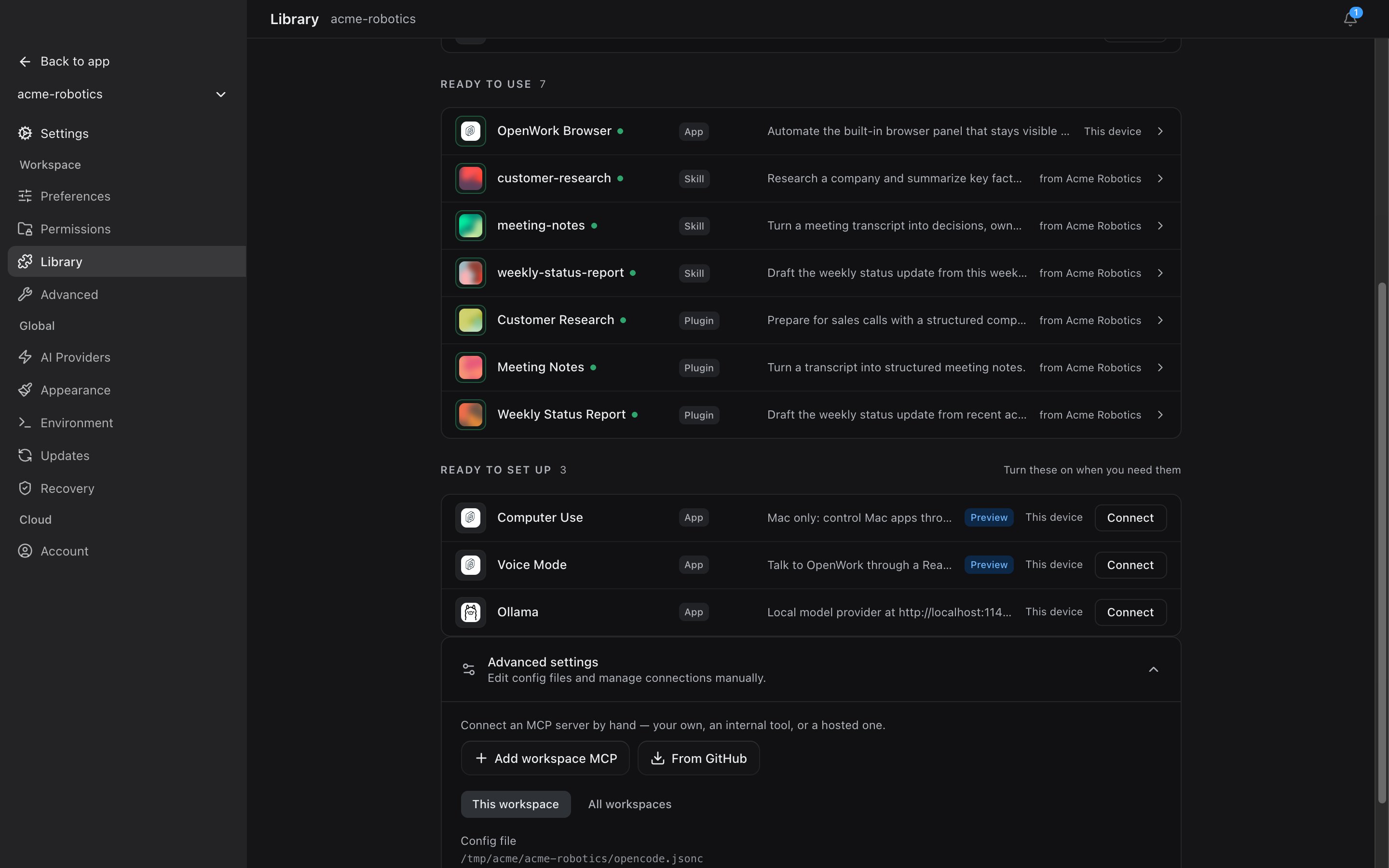
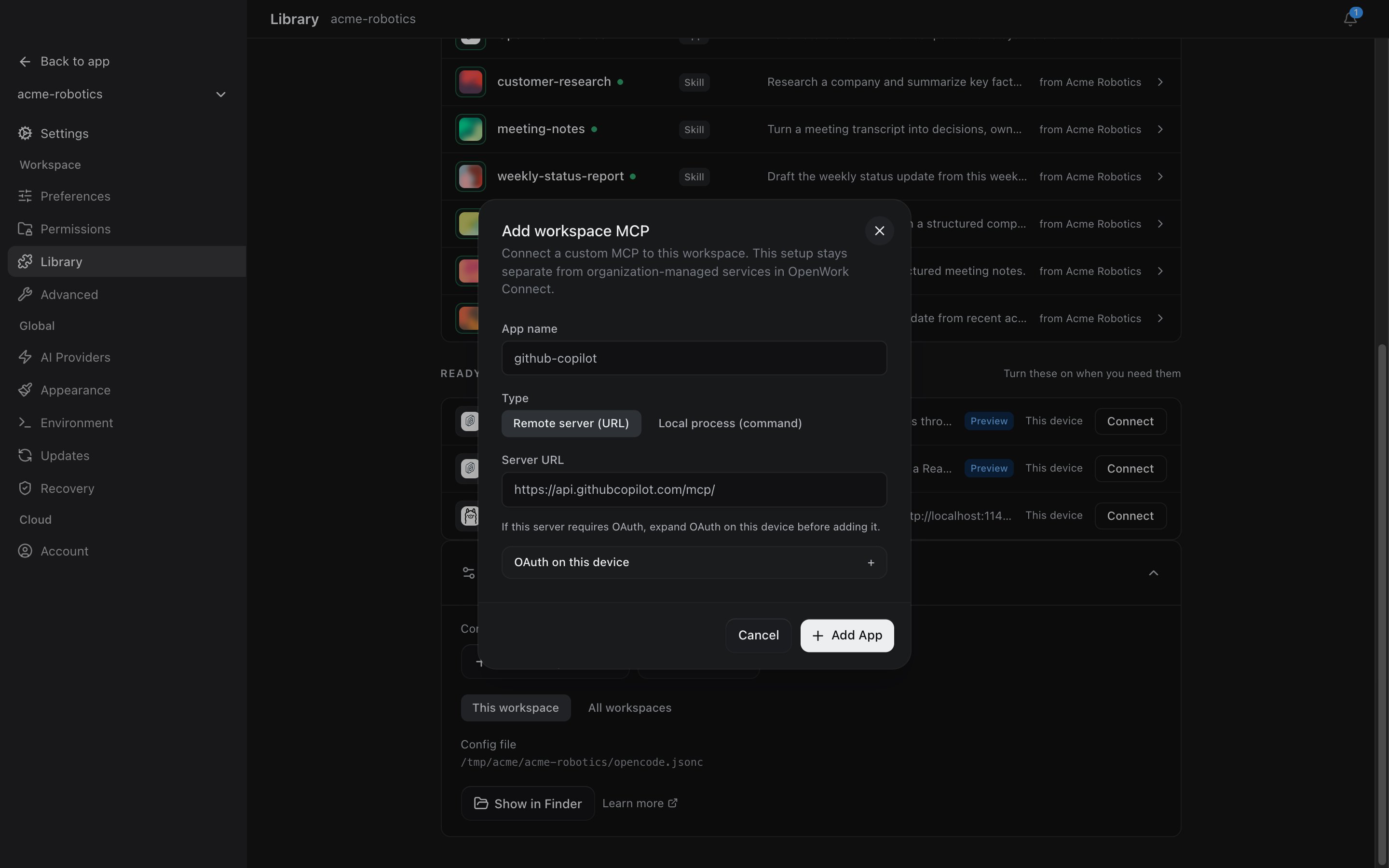
Settings>Library, expandAdvanced settings, then clickAdd workspace MCP
Troubleshooting
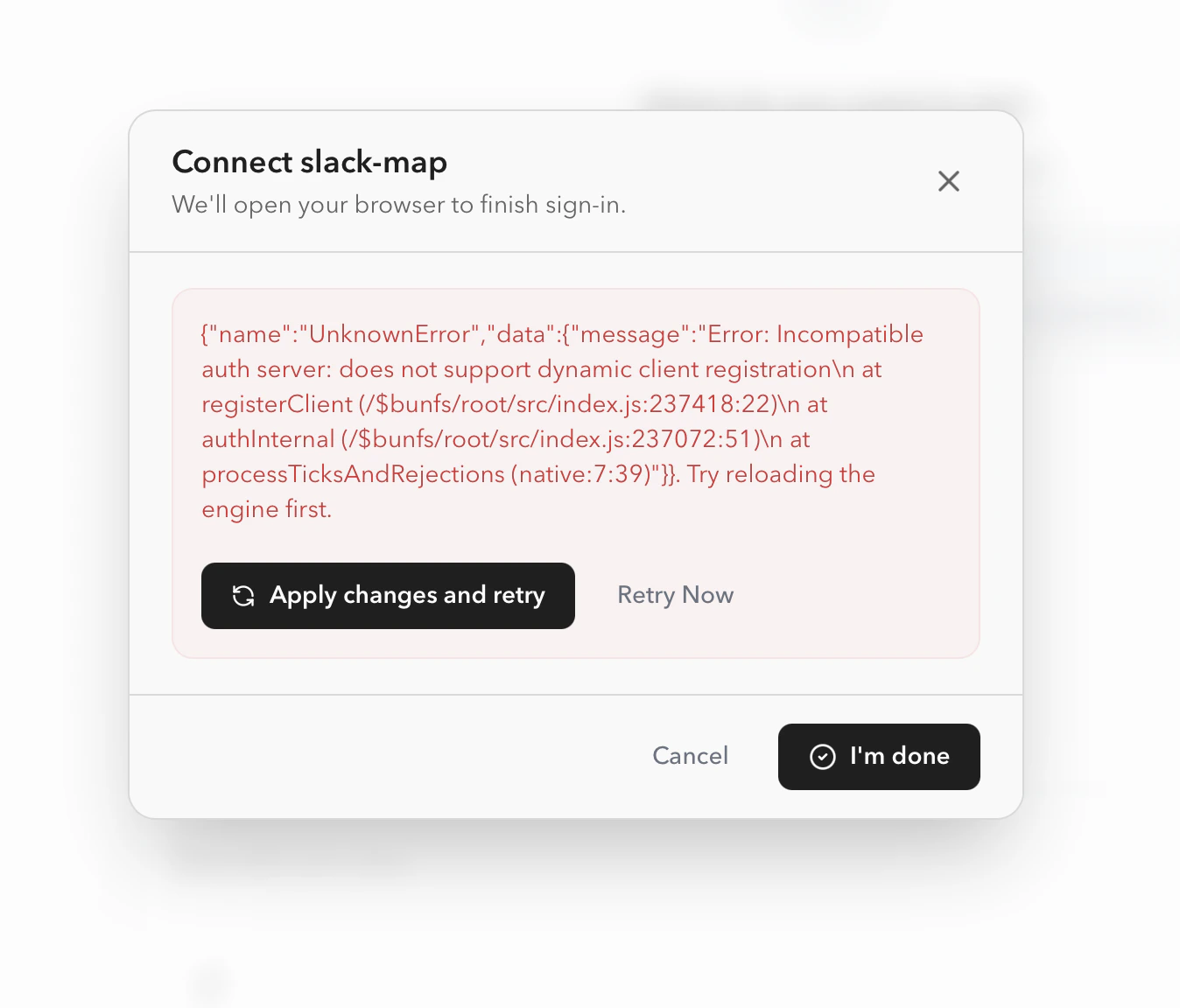
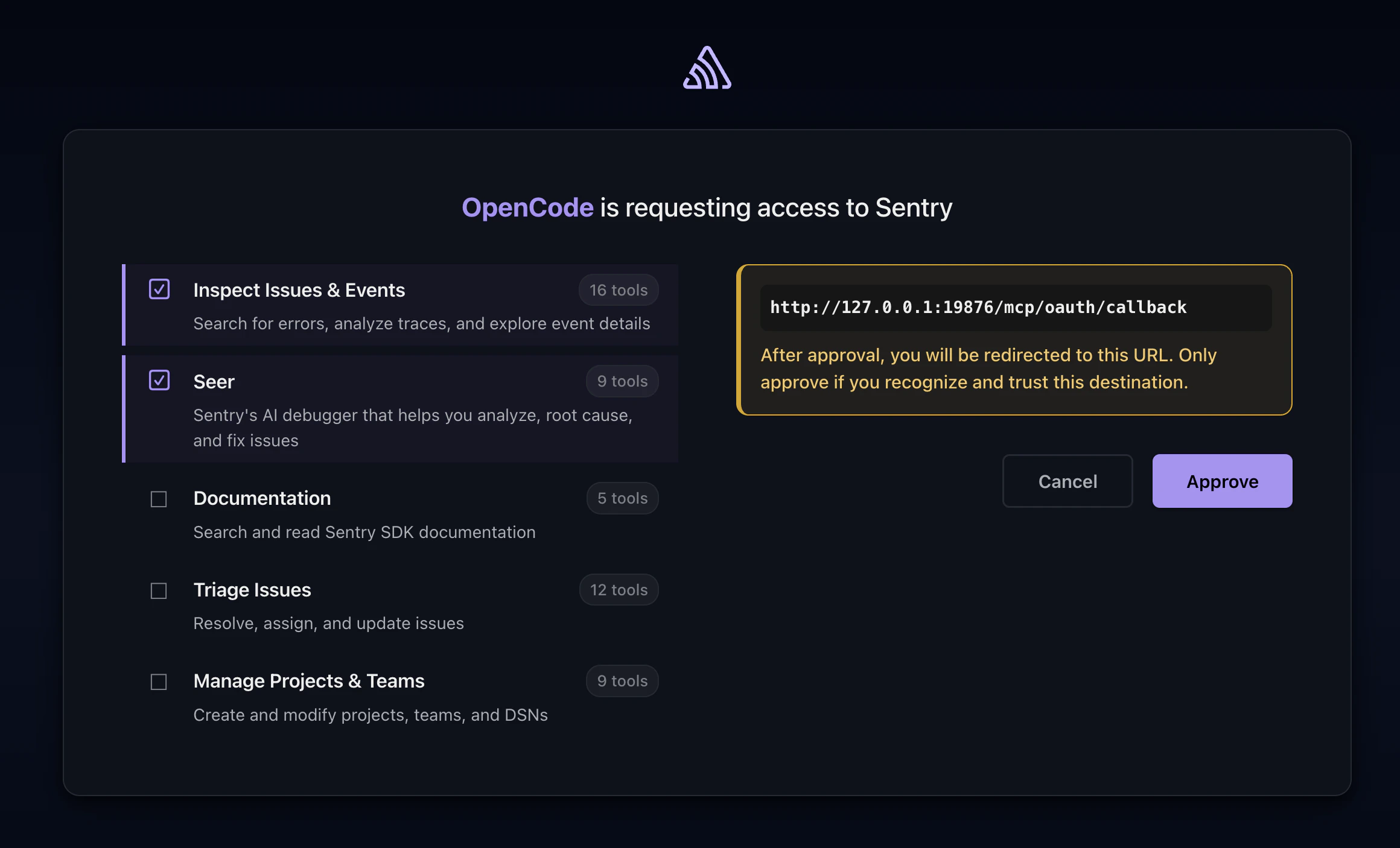
Some MCP servers do not support dynamic client registration. If the server gives you a pre-registered OAuth client ID and client secret, add it throughAdd workspace MCP > OAuth on this device.
Workspace MCPs are local to you. To share an MCP App with the organization as a dashboard, add it in OpenWork Cloud Connectors and see Dashboards.